Feature · Offline Mode
Built to workwhere there is no signal.
The web is the hub, the field runs on the app, and the app does not care about coverage. CRM, route card, visit logging and line-item orders all work offline, with pricing and the route solve running on the device. Everything queues and syncs when you are back in range.
Coverage dies exactly where field sales happens.
The country run
Hours between towns with a bar of signal at best. A day of visits should not depend on the Telstra coverage map.
The cool room
Stock checks and orders happen inside concrete and steel. The moment of truth for an order is usually the moment of zero bars.
The 'later' tax
Every task deferred to tonight is remembered worse than it happened. Offline-first software lets the admin happen in the moment it is true.
How offline works.
Offline is not a mode you switch on. It is how the app is built, and sync is something you never think about.
- 1
The day is on the device
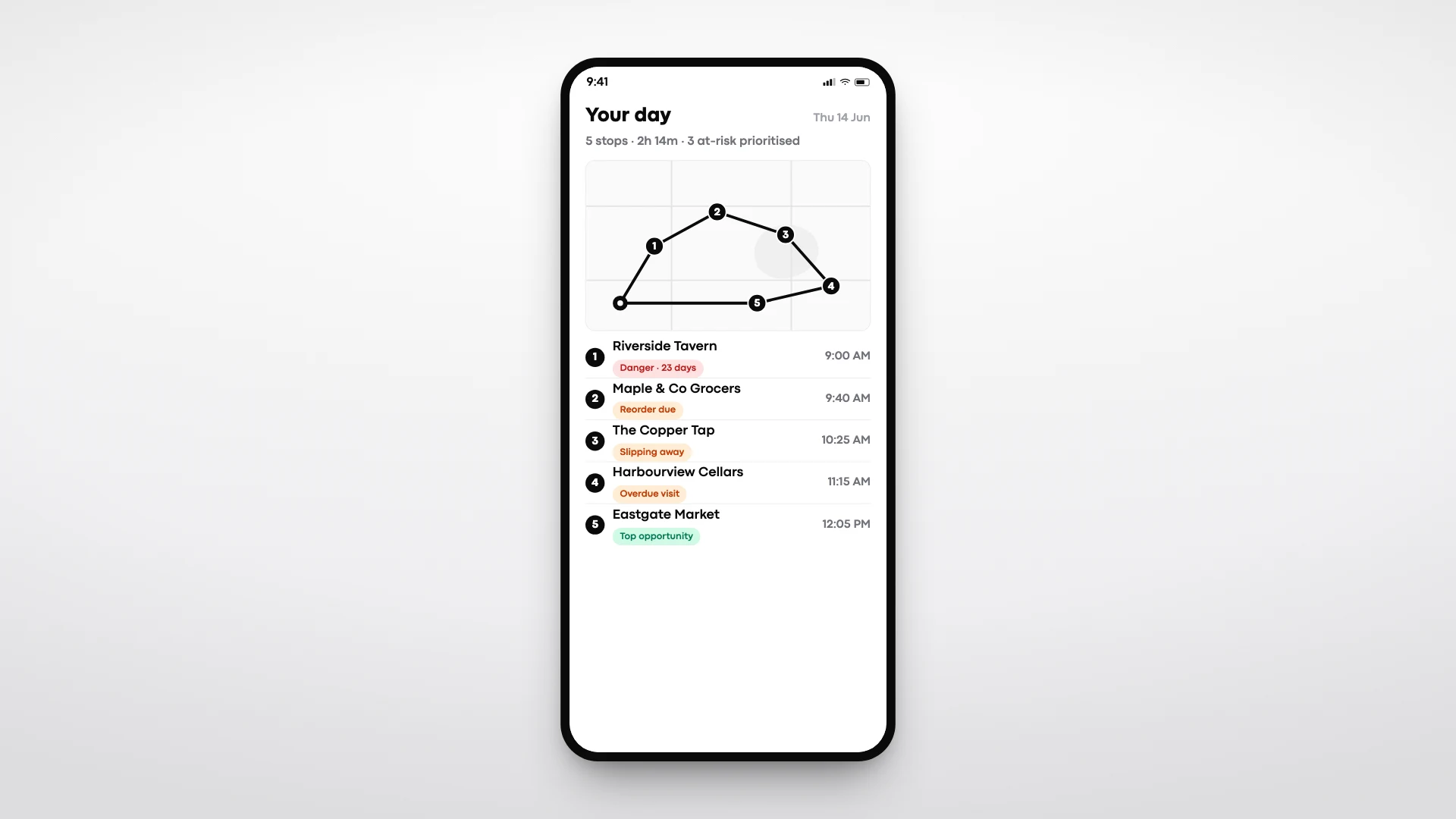
The route card, the account book, products and price lists are all local. Opening the app in a dead zone looks exactly like opening it in the CBD.
- 2
Work happens at full speed
Visits are logged, objectives ticked, orders built and priced with trading terms and GST, all evaluated on the device. Even the route solve runs locally, so replanning works offline too.
- 3
Changes queue quietly
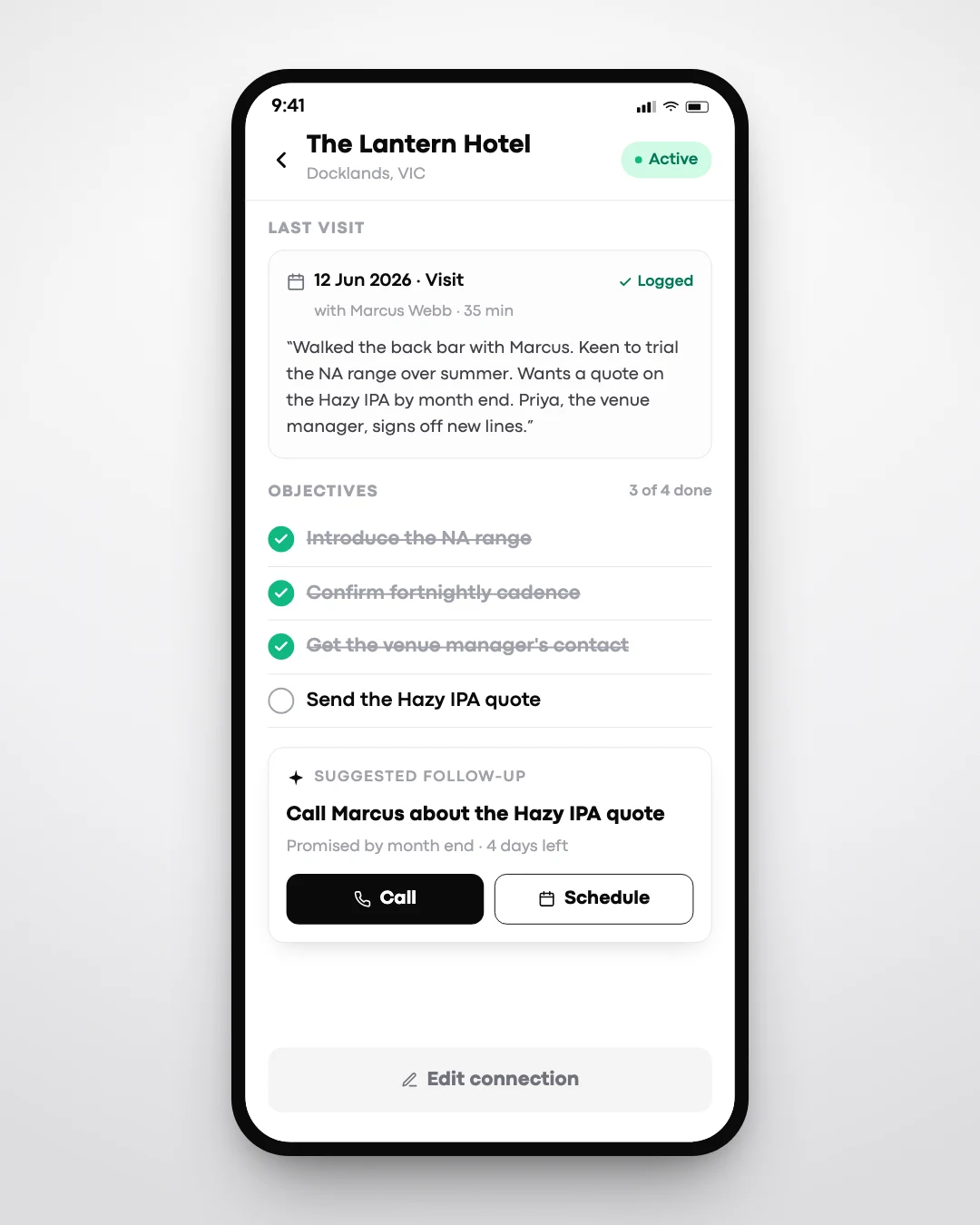
Everything done offline joins a local queue. Nothing is lost, nothing needs re-entering, and the rep never manages the queue.
- 4
Sync happens on reconnect
Back in range, the queue drains in the background: visits land in the book, orders push to Xero and the accounts email goes out.
Visits logged, orders built and priced on the device.
3 visits and 2 orders held locally. Nothing re-entered.
Queue drains in the background. Orders push to Xero.
What makes it different.
Offline is the default
There is no offline mode to remember. The app is built local-first, and connectivity is treated as a bonus, not a requirement.
Pricing decided on the device
Trading terms, deals and GST are evaluated locally, so an order agreed in a cool room is priced correctly in the cool room.
The route solve is local too
IPA's solve runs on the device, so a rep can reshuffle the rest of the day from the front seat with no signal.
Sync you never manage
No sync buttons, no conflict screens for the rep. Work queues and drains in the background when coverage returns.
The day does not stop at one bar of signal.
- Full CRM available on every visit, signal or not
- Orders taken and priced anywhere
- Visits logged in the moment, not from memory
- Queued work syncs itself, Xero push included
- Web hub stays the source of truth at the desk
Offline everywhere it matters.
- Route card and replanning offline
- Account book and visit logging offline
- Line-item orders priced offline
- Xero push queued until reconnect
- Web hub for planning and reporting at the desk
Common questions. Straight answers.
Watch it work in flight mode.
Book a 30-minute walkthrough and we will run a visit and an order with the phone in flight mode, then watch it all sync back.