Feature · Sales orders
From the barto the Xero invoice.
Reps build line-item orders on their phone during the visit, priced with that account's trading terms and GST as each line is added. Confirm it, and it pushes to Xero as the invoice with an email to your accounts team, before the rep is back in the van.
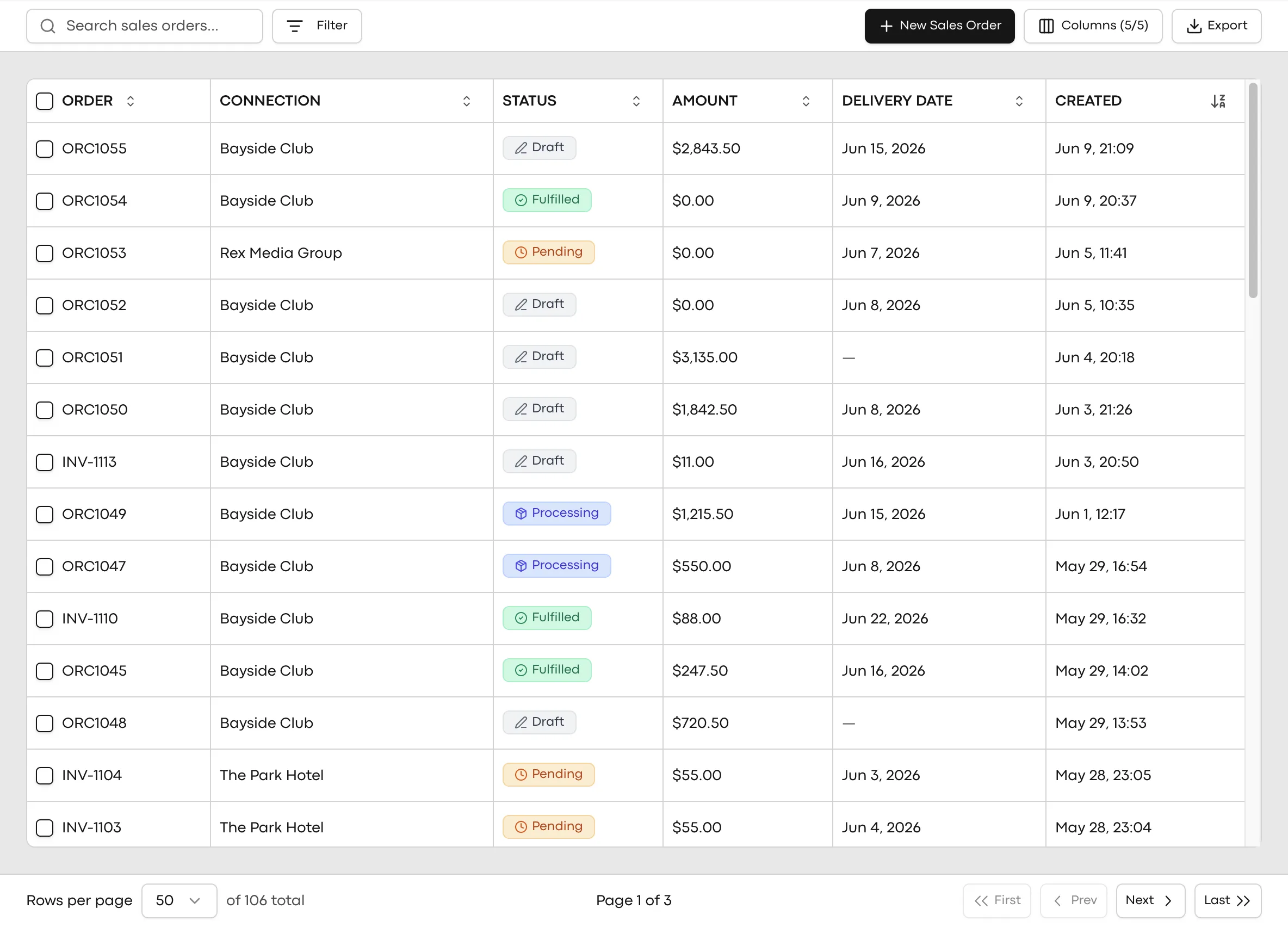
The order is the easy part. What happens after it is not.
Double entry
An order written down in the field gets typed again at a desk. Every re-key is a delay, and every delay is a chance for the detail to drift.
Pricing lives in someone's head
Trading terms, volume deals and account-specific pricing that only the senior rep knows are not a pricing strategy. They are a single point of failure.
The gap between yes and invoice
The longer an agreed order sits unbilled, the longer the cash cycle runs. Orders that invoice themselves close that gap to minutes.
How an order becomes an invoice.
One flow, from the shelf conversation to the books, with pricing decided on the device and nothing re-keyed.
- 1
Build the order in the visit
Reps add line items on mobile while they are standing in the venue. Products, quantities and case configurations come from your catalogue.
- 2
Pricing is evaluated on the device
Each line is priced with that connection's trading terms and any applicable deals, GST included, as it is added. The total the customer agrees to is the total that gets billed.
- 3
Confirm, and it is in Xero
A confirmed order pushes to Xero as the invoice, with an order email to your accounts team at the same time. Status flows back as it changes.
- 4
No signal, no problem
Orders built offline queue on the device and sync when the rep is back in range, Xero push included.
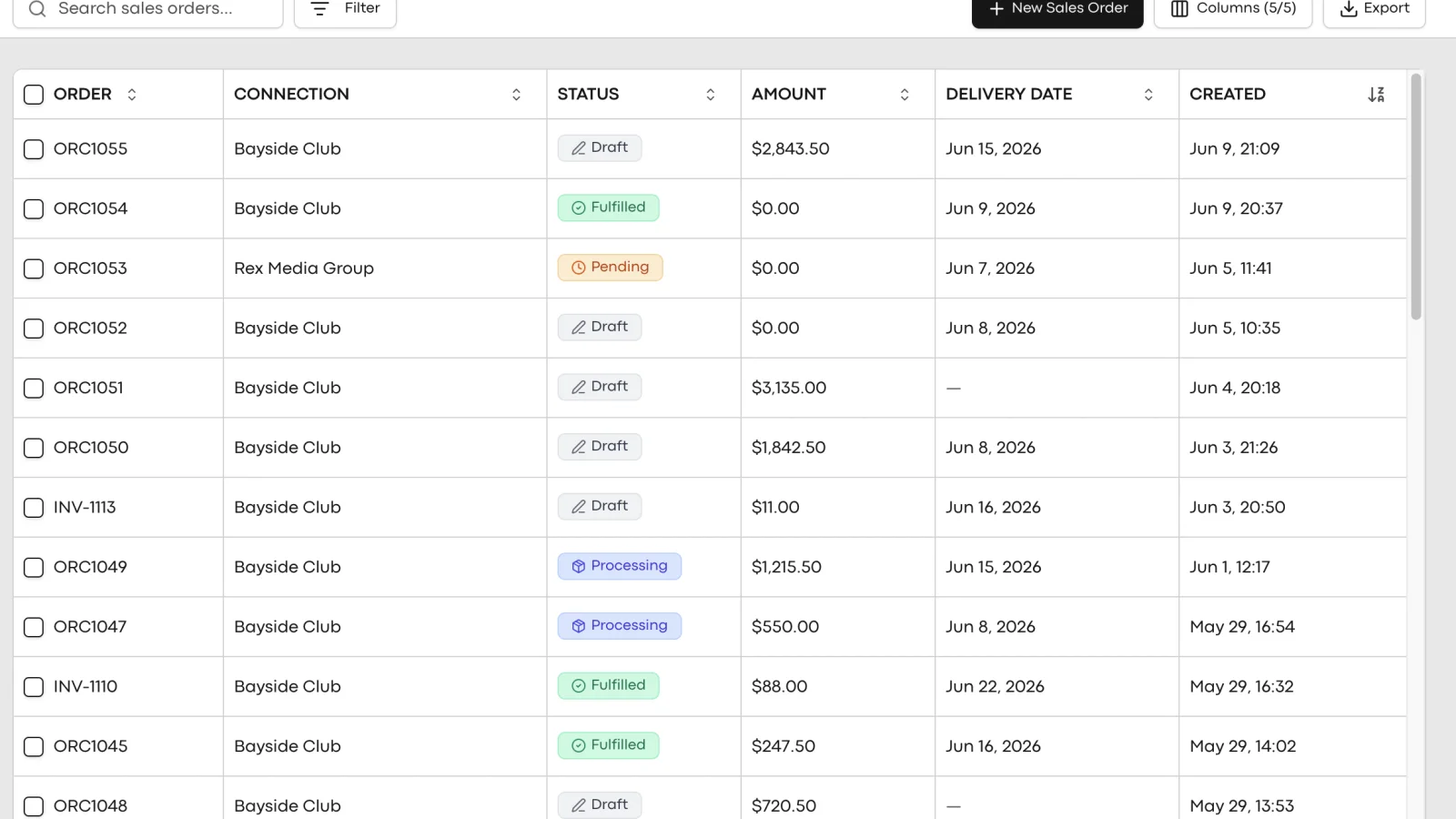
What makes it different.
Priced with trading terms, not a PDF
The pricing engine evaluates each account's terms per line, on the device. Reps quote the right price without a phone call back to the office.
GST right, per line
Tax is built into every line as it is added, so the field total and the invoice total are the same number.
Offline all the way through
The order does not need a connection to be built or priced. It queues and syncs, including the Xero push, when coverage returns.
Draft to invoice without a desk
The whole flow runs from the rep's phone. Nobody types the order twice, and accounts hears about it by email, not by chasing.
Your accounts team stops chasing paper.
- Invoices raised the day the order is taken
- Order email lands with accounts automatically
- Trading terms applied consistently across every rep
- Order and invoice status visible against the account
- Reporting runs on real order data, not reconstructions
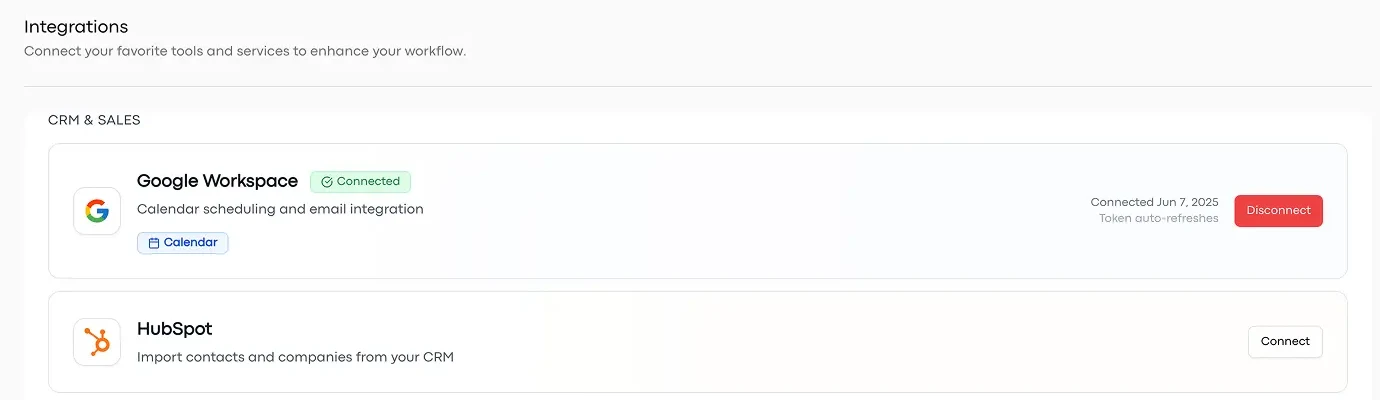
Keep your production software.
- Two-way Xero sync, live today
- Order email to your accounts team
- Status flows back as invoices change
- Products and price lists imported with you, free
- Unleashed and CartonCloud on the way
Common questions. Straight answers.
Watch an order become an invoice.
Book a 30-minute walkthrough and we will run a real order end to end: built on a phone, priced with trading terms, landing in Xero.